Best POS Software in Pakistan: A Complete Guide for Shops and Restaurants
Discover how POS software in Pakistan helps shops, marts, and restaurants manage billing, inventory, payments, and daily sales more efficiently.
Platform Admin 10 min read
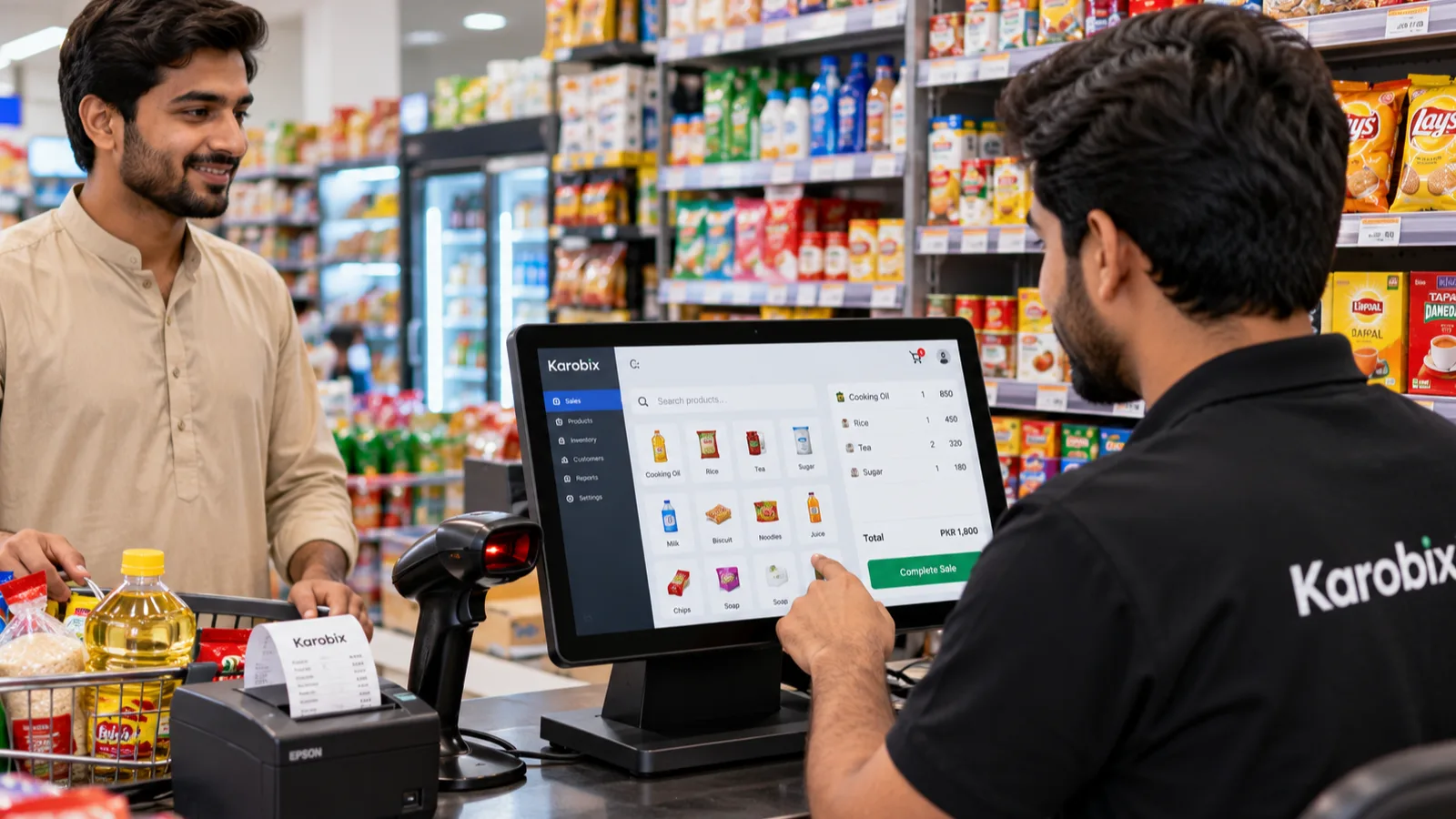
Running a shop or restaurant in Pakistan involves more than selling products and serving customers. Business owners must manage daily sales, track inventory, monitor expenses, handle staff, and maintain accurate records. When all these tasks are managed manually, mistakes can happen, stock can go missing, and valuable time can be wasted.
This is where POS software in Pakistan can make a real difference. A modern Point of Sale (POS) system helps businesses simplify billing, manage stock, record transactions, and understand their daily performance from one place.
Whether you operate a kiryana store, supermarket, clothing shop, café, or restaurant, choosing the right POS system can help you run your business more efficiently.
What Is POS Software?
POS stands for Point of Sale. It is the system businesses use to process customer purchases and record sales.
Traditional shops often rely on calculators, handwritten registers, and manual stock counts. A POS system brings many of these activities together in one digital platform.
Depending on its features, POS software can help you:
Generate customer bills quickly.
Record cash and digital payments.
Track available products and stock movements.
Monitor daily, weekly, and monthly sales.
Manage employees and cashier permissions.
Review business performance through reports.
Manage multiple branches from one system.
Instead of checking different notebooks or spreadsheets, business owners can access important information through a central system.
Why Do Pakistani Businesses Need POS Software?
Pakistan's retail and food businesses face everyday challenges that can affect profitability and customer satisfaction. From busy evening rushes to frequent supplier deliveries, keeping accurate records requires time and attention.
Here are some of the common problems a POS system can help address.
1. Faster Billing and Shorter Queues
Long queues can frustrate customers, particularly during busy hours, weekends, and Ramadan shopping periods.
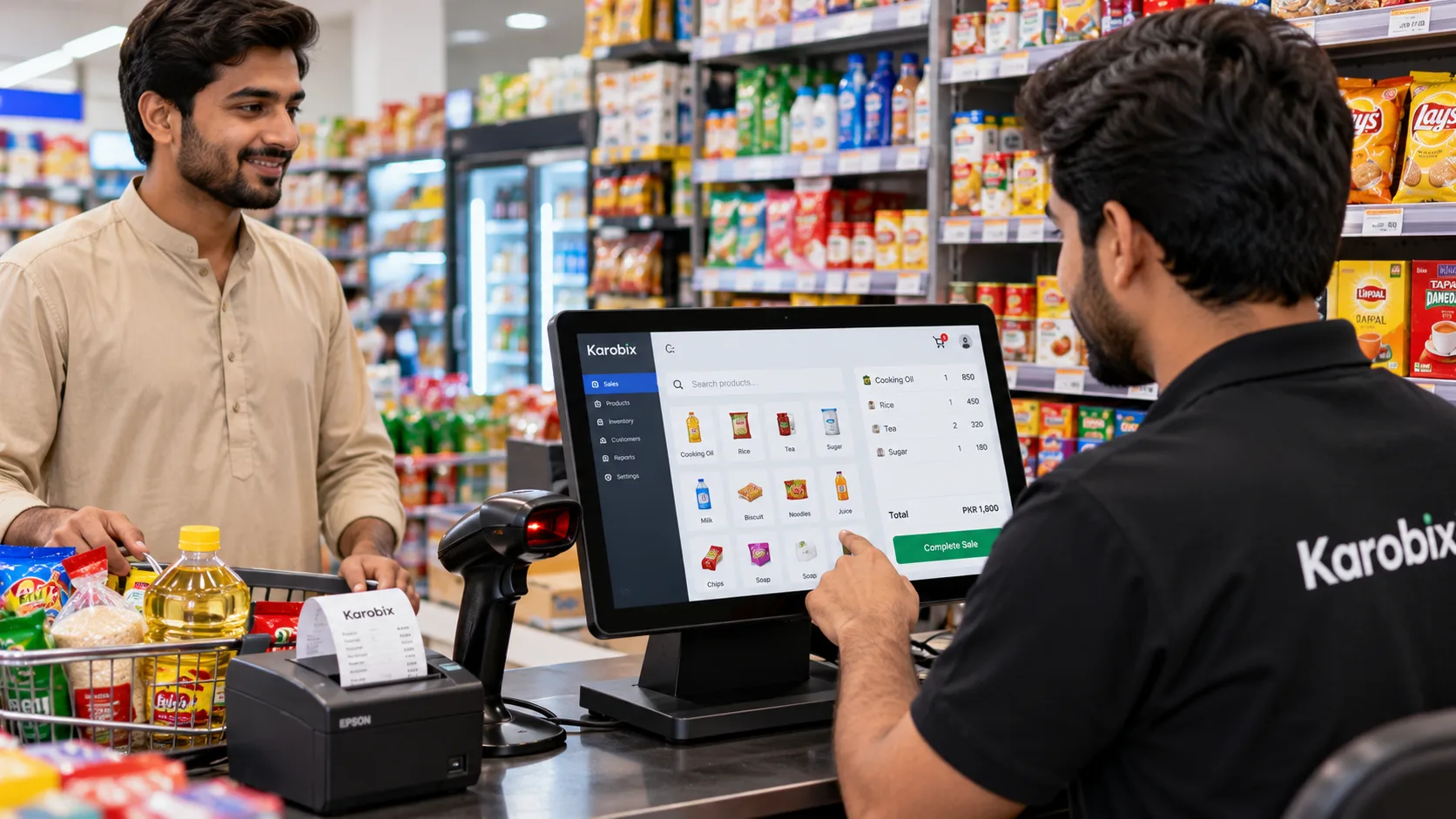
A POS system allows cashiers to scan barcodes or search for products, calculate totals automatically, and generate receipts. This can make checkout faster and reduce calculation errors.
For example, a customer buying cooking oil, rice, tea, and household essentials can have the entire bill calculated in seconds rather than having every item added manually.
2. Better Inventory Management
Stock management is essential for businesses of every size. Selling out of popular products can mean lost sales, while purchasing too much stock can tie up working capital.
With inventory management software, businesses can record incoming purchases, track sales, and monitor stock levels.
Useful features include:
Real-time stock updates after sales.
Low-stock notifications.
Supplier purchase records.
Stock transfers between branches.
Product-level sales reports.
For a kiryana store, this can make it easier to monitor frequently purchased items such as milk, flour, sugar, beverages, and cooking oil.
3. Accurate Daily Sales Reports
At the end of a busy day, business owners need to know how much they sold and how much money was received.
Manual calculations can make it difficult to identify mistakes or understand sales trends. POS software creates digital transaction records and provides reports that help owners review business activity.
Depending on the system, reports may include total sales, payment methods, refunds, discounts, and hourly performance.
These records can help you make better decisions about purchasing, staffing, and product selection.
Note: Sales revenue is not the same as profit. To calculate profit accurately, businesses must also account for product costs and other expenses.
4. Support for Cash and Digital Payments
Customers in Pakistan may prefer different payment methods depending on the business and transaction.
A suitable POS system can support payment options such as:
Cash.
Debit or credit cards, where supported.
JazzCash.
Easypaisa.
Bank transfers.
Some systems also allow a customer to pay part of a bill in cash and the remainder through a digital method.
Always confirm that the POS system supports the specific payment methods and integrations your business requires.
5. Better Control Over Staff and Discounts
When several employees operate the same counter, it becomes important to know who processed each transaction.
POS software can provide individual staff accounts, cashier PINs, and permission settings. Depending on the system, managers can restrict certain discounts, refunds, and other sensitive activities.
These controls help businesses maintain accountability and review unusual transactions when necessary.
Which Businesses Can Benefit From POS Software in Pakistan?
A POS system is not limited to supermarkets. Different businesses can use it to simplify their daily operations.
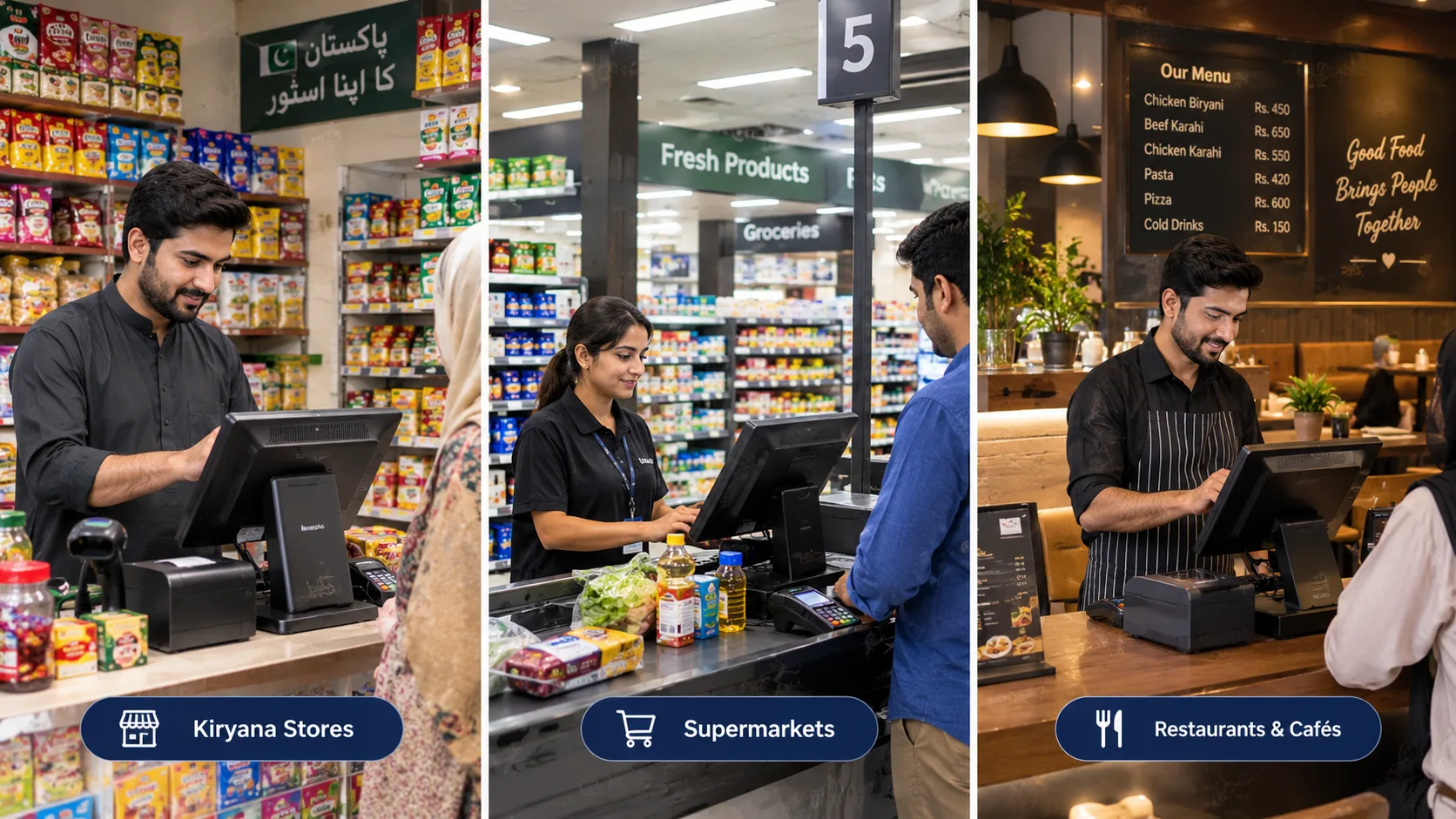
Kiryana Stores and General Stores
Small shops often handle hundreds of products, supplier deliveries, and daily cash transactions.
POS software can help owners maintain digital sales records, monitor inventory, and identify products that need restocking.
Supermarkets and Mini Marts
Supermarkets usually have larger inventories and more frequent transactions. Barcode scanning, multiple cashier registers, purchase records, and stock alerts can make daily operations easier to manage.
Restaurants and Cafés
Restaurants must coordinate customer orders, tables, kitchen preparation, and payments.
Restaurant POS software may offer table management, kitchen order tickets, menu customisation, and separate workflows for dine-in, takeaway, and delivery orders.
Takeaway and Fast-Food Businesses
Takeaway businesses need to process orders quickly and communicate them clearly to the kitchen.
A suitable system can help record orders, organise preparation, calculate bills, and track delivery charges where supported.
Clothing and Other Retail Shops
Clothing stores may need to manage different sizes, colours, designs, and product variants.
A POS system with variant-level inventory can help staff check availability and maintain more organised product records.
What Features Should You Look for in POS Software?
Before choosing a POS system, consider the actual needs of your business rather than selecting software based only on price.
Here are six important features to evaluate.
1. Easy-to-Use Billing
The checkout process should be straightforward enough for staff to learn quickly. Look for product search, barcode scanning, automatic calculations, and receipt printing.
2. Inventory Tracking
Choose software that records stock movements and helps you identify products that are running low.
3. Offline Functionality
Internet connectivity can sometimes become unreliable. A POS system with properly designed offline functionality may allow sales to continue during an interruption and synchronise records when the connection returns.
Check which features remain available offline, how data is synchronised, and what device requirements apply.
4. Multiple Payment Methods
Confirm that the software can record the payment methods used by your customers. If you need integrated digital payments, check the available providers and any additional fees.
5. Reports and Business Insights
Daily sales summaries, product reports, staff activity, and branch comparisons can help you understand your business more clearly.
6. Multi-Branch Management
If you operate more than one shop, centralised reporting and controlled stock transfers can save time.
Before purchasing a plan, confirm the number of branches, staff accounts, products, and registers included.
How Much Does POS Software Cost in Pakistan?
The cost of POS software depends on the provider, available features, number of users, registers, and branches.
Some systems offer free plans or trial periods, while others charge monthly or annual subscription fees. Additional expenses may include barcode scanners, thermal printers, touchscreen devices, training, and payment integrations.
When comparing prices, consider the total cost of operating the system rather than just the subscription.
Ask yourself:
Does the plan include inventory management?
How many employees can use it?
Can I manage multiple branches?
Are sales and stock reports included?
Is technical support available?
Are there separate hardware or integration costs?
A system that fits your current budget and business requirements is often a better choice than paying for features you do not need.
How Karobix Helps Pakistani Shops and Restaurants
Karobix is a POS platform designed for Pakistani retail businesses, marts, restaurants, cafés, and takeaway counters.
It brings important business activities together so owners and staff can manage transactions, stock, and reports more efficiently.
Key features include:
Fast checkout: Process sales using product search or barcode scanning.
Inventory management: Record stock movements and receive low-stock alerts.
Flexible payments: Record supported payment types, including split payments.
Offline sales support: Continue eligible sales during internet interruptions and synchronise queued transactions when connectivity returns.
Staff permissions: Use cashier access controls and manager authorisation for selected actions.
Branch reporting: Review sales and stock information across supported branches.
Restaurant workflows: Manage tables, kitchen orders, dine-in, takeaway, and delivery operations.
Karobix also offers a free 14-day trial, allowing eligible new users to explore the platform before choosing a paid plan.
Whether you manage a neighbourhood mart or a growing restaurant business, the goal is to make daily operations more organised and business information easier to access.
Explore the platform at https://karobix.online/ to review its features and available plans.
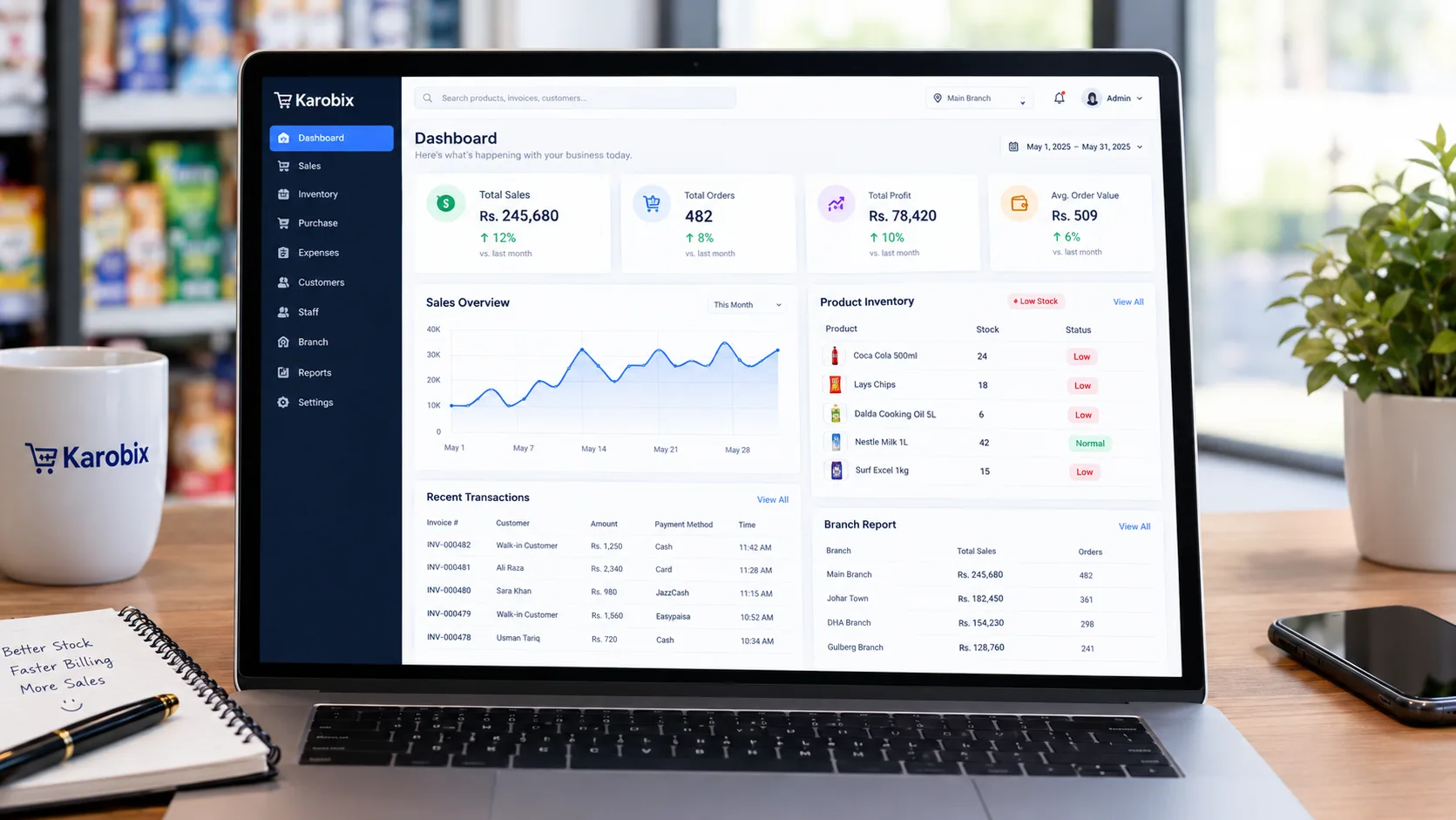
How to Choose the Right POS System for Your Business
Choosing the right system starts with understanding your daily workflow.
Step 1: Identify your biggest challenge. Is it slow billing, stock discrepancies, staff accountability, restaurant order management, or a lack of reliable reports?
Step 2: List your essential features. A small kiryana store may prioritise billing and inventory, while a multi-branch supermarket may need purchasing, stock transfers, and consolidated reporting.
Step 3: Check your hardware. Confirm compatibility with your existing computer, tablet, touchscreen, barcode scanner, and thermal printer.
Step 4: Test the software. Use a trial, if available, to check how easily your staff can create bills, process refunds, and access reports.
Step 5: Review pricing and support. Understand subscription limits, renewal costs, payment arrangements, and how you can get help if something goes wrong.
Step 6: Plan your data and staff training. Organise product names, prices, stock quantities, and employee access before switching from a manual system.
Taking these steps can help you choose software that supports your business as it grows.
Frequently Asked Questions About POS Software in Pakistan
What is the best POS software in Pakistan?
The best POS software depends on your business size, industry, budget, and required features. Compare billing, inventory, reporting, payment support, and branch management before making a decision.
Can small shops use POS software?
Yes. Small shops and kiryana stores can use POS software to simplify billing, maintain digital records, and monitor stock. Look for a plan that matches your product and staff requirements.
Does POS software work without the internet?
Some POS systems support offline transactions, while others require a continuous internet connection. Check the provider's offline capabilities, device requirements, and synchronisation process before subscribing.
Can POS software manage multiple branches?
Many systems offer multi-branch features. Depending on the plan, these may include separate stock records, branch-level permissions, stock transfers, and consolidated reports.
Is POS software useful for restaurants?
Yes. Restaurant POS systems can help manage orders, tables, kitchen tickets, menus, and payments. The available features vary between providers.
How can I get started with Karobix?
Visit https://karobix.online/, review the features and pricing, and start the free trial if it suits your business requirements. You can explore the system before deciding which plan is appropriate for your operation.
Final Thoughts
Running a successful shop or restaurant requires good organisation, accurate records, and efficient customer service. Managing every transaction and stock movement manually can become increasingly difficult as a business grows.
The right POS software in Pakistan can help simplify billing, improve inventory visibility, organise staff workflows, and provide useful information about daily sales.
Before choosing a solution, compare the features, costs, hardware requirements, and support options that matter to your business.
If you are looking for a platform built around the needs of Pakistani shops, marts, and restaurants, explore Karobix and see how a digital point-of-sale system could fit into your daily operations.
Ready to organise your business? Visit https://karobix.online/ and explore the free trial.